Decks and video playback
Confirm the presentation format, collect the current files and test every video with its audio. Where the program needs it, separate deck and video playback, with backup machines and a clear recovery route.
San Francisco & the Bay Area
Westwave AV plans and runs the audio, screens and playback for startup demo days, accelerator showcases and investor pitch events. We work through the founder handoffs before doors open, with rehearsals and an on-site crew sized to the room.
Plan your demo daySee the Lightyear work
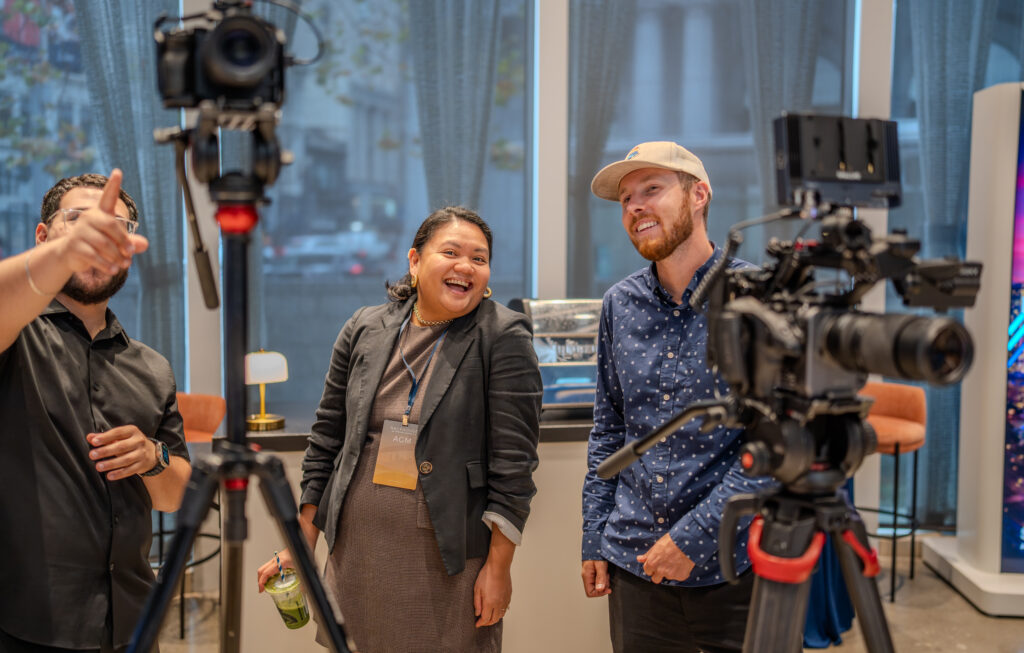
Pictured: Framework’s Next Gen Event at Dogpatch Studios.
The handoff between pitches
One founder has a slide deck. The next needs to show a product on a phone. Another has a video with sound. During rehearsal, we check how each presentation reaches the screen and speakers, then agree who handles the changeover.
That work starts with your speaker list, the room and the time available between pitches. It carries through to the person advancing playback and the technician handing over the next microphone.
Confirm the presentation format, collect the current files and test every video with its audio. Where the program needs it, separate deck and video playback, with backup machines and a clear recovery route.
A phone or laptop demo needs its own test: output connections, screen layout, sound and any network connection it relies on. Agree what the audience sees if the live demo cannot continue.
Work out how the next founder receives a microphone, who checks it and where they wait. Audience questions or a judging panel can need additional microphones and another pair of hands.
Decide who calls the next pitch, starts the video and advances the holding slide. A confidence monitor or presentation remote can help the founder stay with the audience; each needs to be included in the rehearsal.
Westwave AV has supported Lightyear’s founder-residency demo days in San Francisco, including events at Neighbourgood Sutter.
When Lightyear planned its next cohort’s demo days in a smaller Presidio Heights space, the discussion began with room photographs, measurements and a site walkthrough. The team compared display options and selected a single 100-inch display.
The production planning also covered rehearsal time, crew responsibilities and separate playback for presentations and video. Those details give the founders a chance to test their actual material in the room before the investor audience arrives.
Small room, clear view
The largest screen in the quote may take space away from the audience or the presenter. Check the back row’s view of the smallest text, where the founder stands and how people enter the room.
A large-format display can suit an intimate pitch room. An LED wall or projection system may suit a wider stage or a larger audience, with different requirements for access, support, power and setup time.
We can scope display rentals, LED wall rental or projection around the venue and content. Share room photos or a floorplan before settling the equipment list.
For the wider visual system, see visual equipment and support.
Before the investor audience arrives
A rehearsal needs the real decks, videos and devices. Leave enough time to find a missing font, check a quiet video track or change how a founder connects their laptop.
For a residency or accelerator with several demo sessions, setup, rehearsal, show days and strike can fall on different dates. The quote should show which equipment stays in place and who is on site each day.
Give the production lead ownership of the technical cues. Your program team can keep working with the founders while the crew handles the screen, playback and microphones.
Across Westwave’s event work
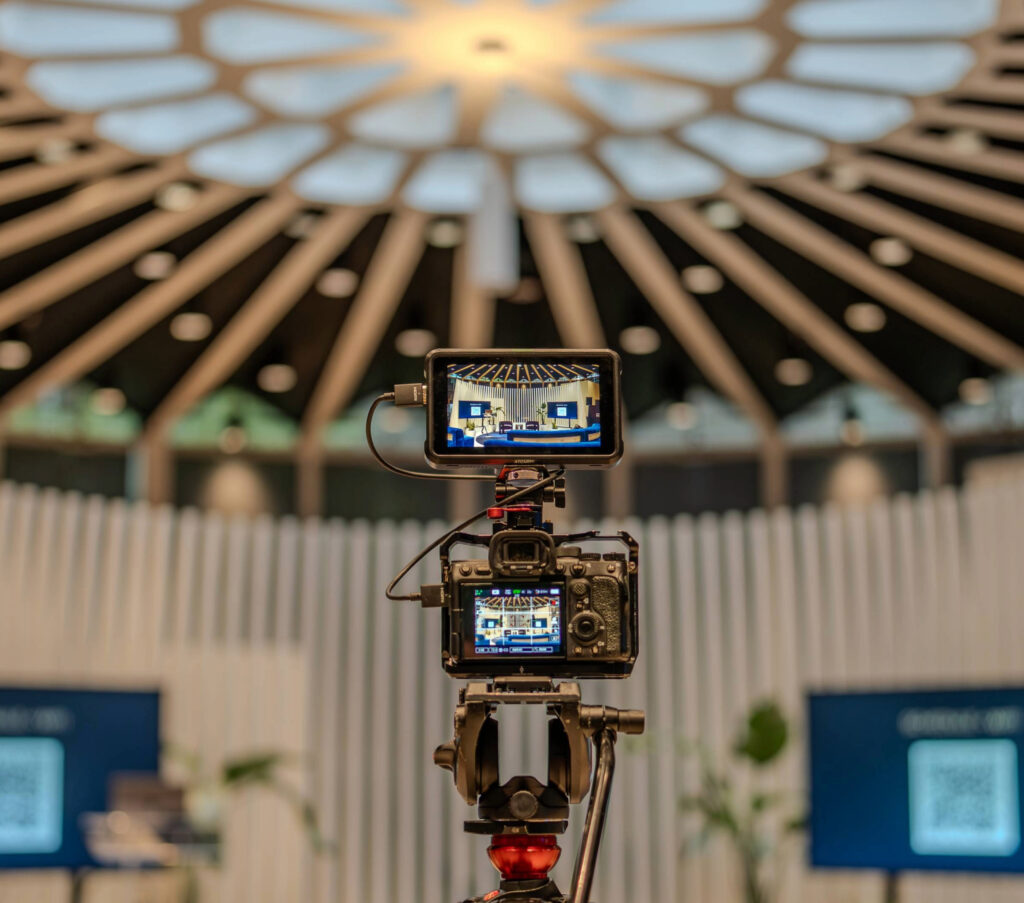
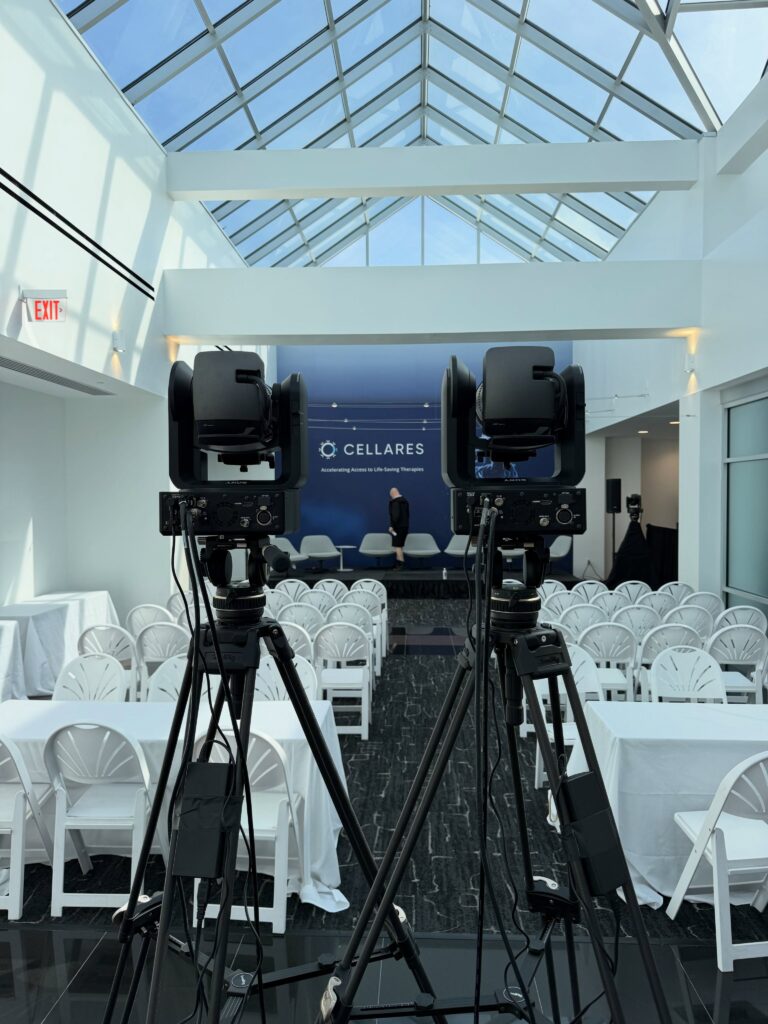
Westwave’s production work includes One Mind Accelerator’s multi-room program, Framework’s product launch and Cellares’ hybrid panel. Each program needs a plan for what the audience sees and what the crew can monitor.
What goes into the quote
Start with the date, venue, expected audience and number of founders presenting. Add the load-in window, rehearsal sessions and the time the room needs to be cleared.
Tell us about live product demos, remote speakers, audience questions and any recording or streaming requirement. These change the crew and signal paths. A room-only pitch event can be scoped without a stream or recording.
If you need remote participation, see hybrid event AV. Recording deliverables, access and any editing should be agreed separately in the proposal.
For budget planning, review what moves an AV quote and how to compare an AV proposal. There is no single equipment package that fits every residency house, office and event venue.
Before you book
A draft agenda and room photos are enough to start.
Yes. We start with the room dimensions, access, power and audience layout. The plan should make room for the founder, the display and an operator, while keeping walkways clear. A site visit helps settle details that photographs can miss.
That depends on the room and content. A large display may be enough for a smaller audience; an LED wall or projection system may suit another setup. Viewing distance, ambient light, text size and access all affect the choice.
We can plan for those connections. Share the device, output requirements and any network dependency early, then test the actual demonstration during rehearsal. Agree a fallback with the founder in case the application or connection is unavailable.
Yes. The scope can include separate setup, rehearsal, show and strike days. For recurring cohorts, confirm the venue and program each time; a different room or presentation format can change the equipment and crew.
Yes. For LP meetings, annual general meetings and a different presentation format, see our AGM and investor meeting AV service. The agenda determines the production plan.
Start with the next cohort
Include the event date, audience size and rehearsal windows. Westwave AV will work through the screen, sound and crew requirements with you.